
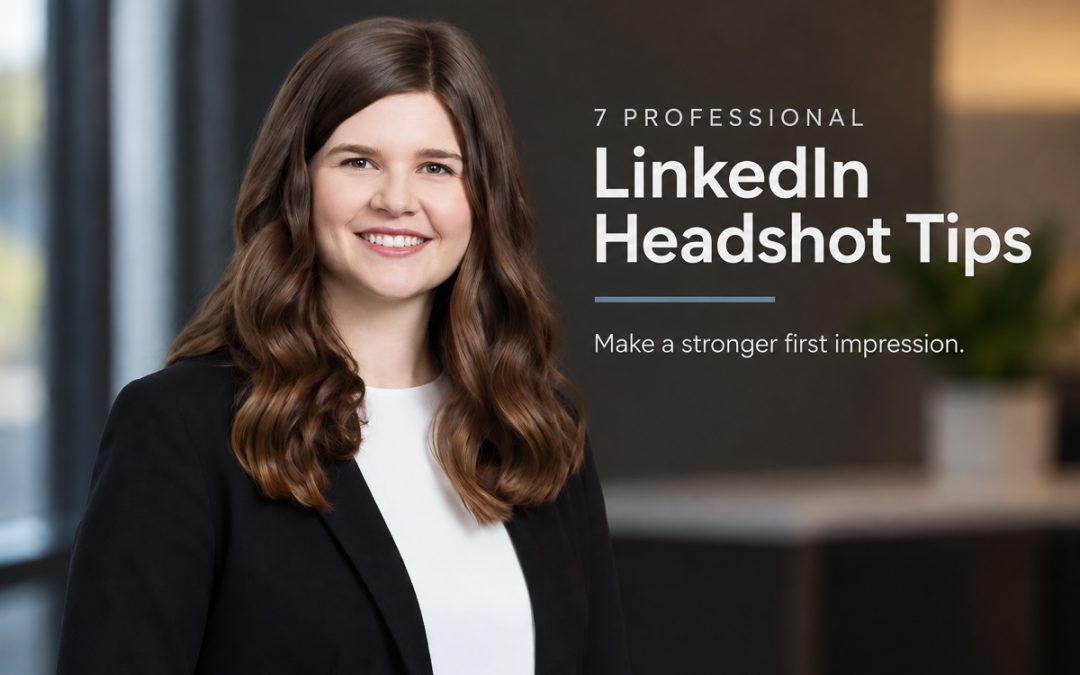
Professional LinkedIn headshot tips should start with conveying, at a glance, that you have the characteristics and personality to get the job done better than the other people your viewer is considering—not simply whether you look good. I’ve done a lot of photography that reaches a vast audience, but few images can give you more personal professional mileage than your LinkedIn headshot. It can introduce you to clients, employers, coworkers, referral partners, and people you haven’t met yet.
Here are seven things to consider when creating a professional portrait for LinkedIn.
1. Foremost, decide which characteristics your clients, employers, or colleagues need to see in you, then build your portrait around them. Expression, body language, clothing, and even subtle camera position can reinforce those qualities. A fundraiser may need to appear highly approachable and easy to talk with, while a police or rescue professional may need to project strength and authority. Even within the same profession, people may value different characteristics. A tax attorney may benefit from appearing knowledgeable and reassuring, while a personal injury attorney may need to project greater strength. The photography should support those characteristics without calling attention to how we created them.
2. LinkedIn profile photos should use a tighter crop than you think so people recognize you at a glance. This is one of the most overlooked professional LinkedIn headshot tips. A crop that works as an 8×10 can make your face too small in the LinkedIn feed, especially on a phone. People aren’t going to stop and enlarge your photograph just to figure out who you are. Use a tight crop for the profile image, then keep a looser version for a banner or another use.
3. A genuine expression comes from preparation, confidence, and good pose and expression coaching—not simply telling someone to smile. Most people don’t naturally feel comfortable in front of a camera. Discussing clothing, goals, preferences, and the desired look beforehand helps you arrive feeling confident that we have a plan. During the session, I coach posing and expression, but we also review the images and collaborate as we go. You can tell me what you like and don’t like; I can make adjustments, and together we can refine your LinkedIn portrait until we nail exactly what you want.
“I also appreciated how he took the time to explain each step of the process and valued my input throughout. He paid careful attention to make sure the images were retouched to my satisfaction while still appearing natural.” — Hyatt Holbrook
4. Over-retouched portraits immediately communicate a lack of authenticity—which should never come through in a business headshot. Retouching should be collaborative too. You know what you want changed, while I can offer expert advice about what will improve the portrait, what others may notice, and what we should leave alone. Reviewing those choices together lets us polish the image to your preferences without crossing the line into noticeable retouching. You should look your best while still looking genuinely like yourself.
5. Choose clothing that reinforces the characteristics you want people to see without overpowering the portrait. What you wear in your LinkedIn profile photo should make you feel confident while also fitting your profession and audience. Warmer colors can feel more energetic, while cooler colors can feel more relaxed. Company colors can provide direction, but I wouldn’t make a portrait so company-specific that it loses value if your role changes.
6. Keep your LinkedIn portrait current enough that people recognize you immediately. Hairstyles, clothing, roles, and appearances change. Your portrait doesn’t need to be replaced constantly, but it should still look like the person someone will meet today. This is one of the simplest professional LinkedIn headshot tips and one of the easiest to overlook.
7. Here’s an advanced tip most people never consider: look at your boss’s portrait before planning yours. You don’t need to copy it, but study the formality, approachability, clothing, background, and overall photographic style of your boss and company leadership. If their portraits consistently communicate one thing while yours communicates something completely different, you may create an unnecessary visual disconnect. Some visual familiarity can help your portrait fit naturally within that professional environment while still looking distinctly like you.
The best LinkedIn headshot advice comes back to one question: what does this portrait need to accomplish for you? Looking flattering is the beginning, not the end. A strong business portrait communicates something useful about you before you ever have the chance to speak. If you’re considering a new LinkedIn headshot in Knoxville or East Tennessee, click “Schedule” below and we can talk about what you want your portrait to say.